
Send the contract for signature, and let your secretary chase the signed copy
Your secretary writes the contract or takes yours, and sends it to the other party from its own address with a deadline. If the reply is late it reminds them, and when the copy comes back it reads it: is it signed? Is the stamp there? Whatever is missing, it asks for on its own.
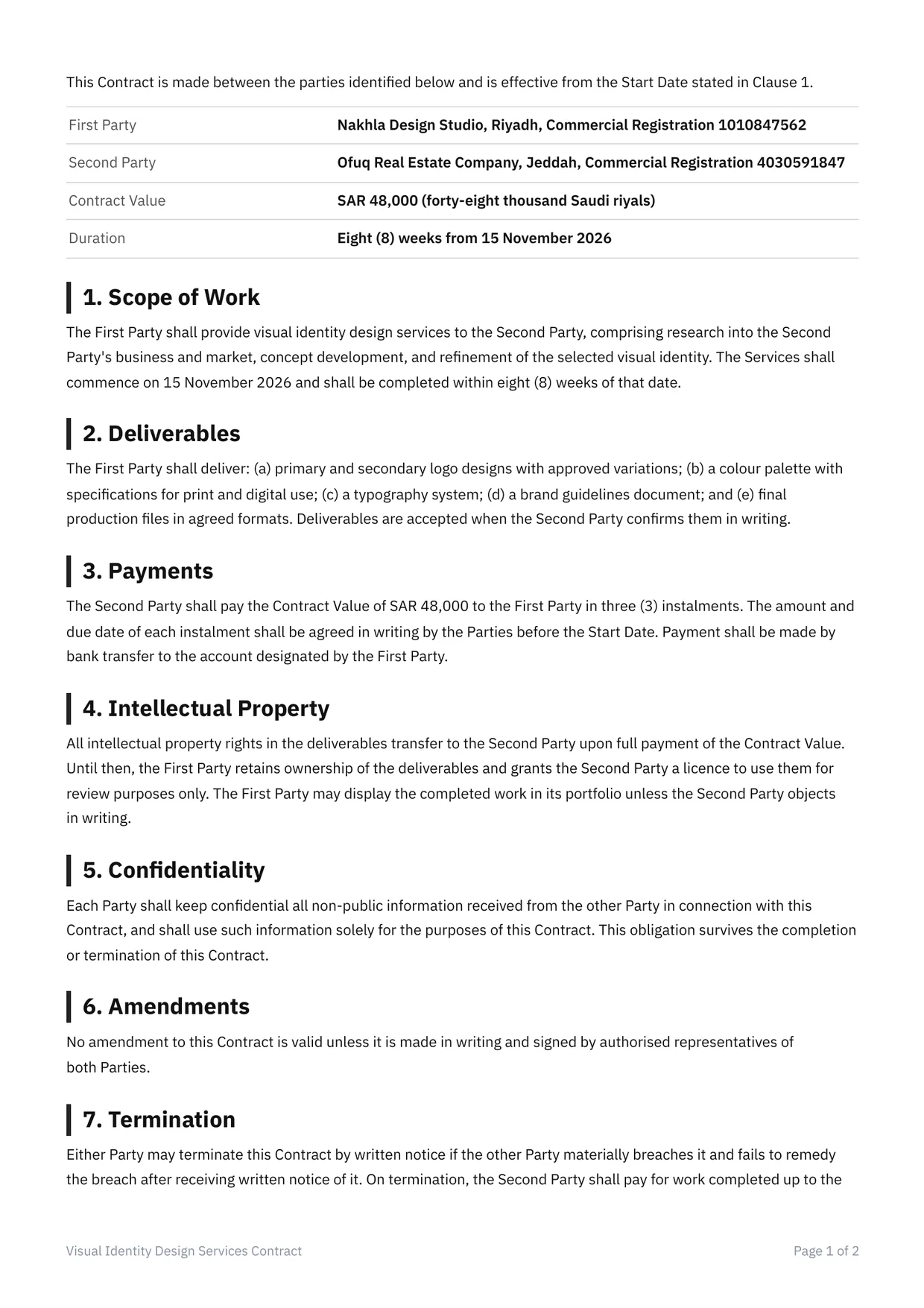
A real contract made by RAPTIX
What happens after you write the request
An example of one contract followed from sending to its complete return:
An example of the follow-up
- Sends the contract to Ahmed
From your secretary's address, with the contract as a PDF and the deadline: Thursday.
- Reminds him
No reply yet, so a short reminder goes out on the same thread.
- The reply arrives with the contract
It reads the attachment: signed, but the stamp is missing on page two.
- Asks for what is missing
It writes to Ahmed asking only for the company stamp on page two.
- The complete contract arrives
Signature and stamp in place; the contract is saved in your Documents.
- Comes back to you
The signed contract is ready for your review.
Approve receiptAsk for a change
What it does with your contracts
- Writes the contract or takes yours
- Drafts a contract from one line, or sends the one you attach as it is.
- Sends with a deadline
- Emails the contract from its own address with what is needed and by when, starting at once with a Cancel button.
- Checks the signed copy
- Reads the returned attachment: signature, stamp and required fields.
- Asks for what is missing
- If a stamp, signature or page is missing, it writes asking for exactly that.
- Keeps everything
- The signed contract is saved in your Documents, and every email is in the request's conversation.
- Several parties
- Each party gets their own request and follow-up, and you see who has signed and who has not.
Limits you should know
- It does not provide a certified electronic signature; the other party signs and returns the copy by email.
- The contract is a draft you review, not legal advice.
Questions
How do I send a contract for signature and track it?
Attach the contract and write who it goes to, their email and the deadline. Your secretary sends it, reminds them, and reads the signed copy when it returns.
How does it know the contract is signed?
It reads the returned file, checks the signature, stamp and required fields, and asks for anything missing.
Is this an electronic signature?
No. The other party signs the copy and returns it; your secretary follows up and checks. It does not provide a certified e-signature.
What if the deadline passes unsigned?
It comes back to you with choices: a new deadline, a message from you, “it reached me another way”, or close the request.
Other documents RAPTIX makes
Attach the contract and say who it goes to
The name, the email and the deadline, in one line.