
Make a PowerPoint deck with AI, from one line
Write the subject, who it is for and how many slides, or attach a report or Word file and ask for it as a deck. Your secretary makes a real PowerPoint file: a few words on each slide, what you will say in the speaker notes underneath, with pictures, figures, comparisons and timelines. And it moves: slides glide into each other, and each one builds itself point by point as you present.

PowerPoint · 11 slides
A real deck, exactly as it came out
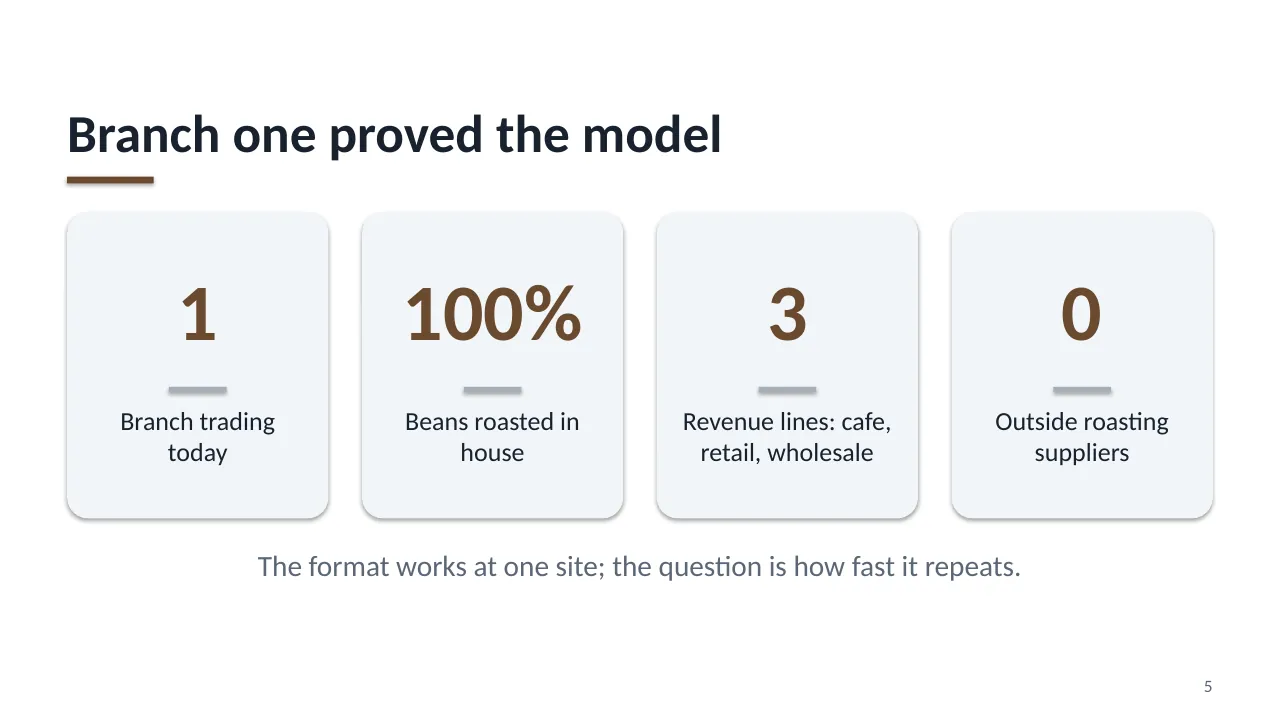
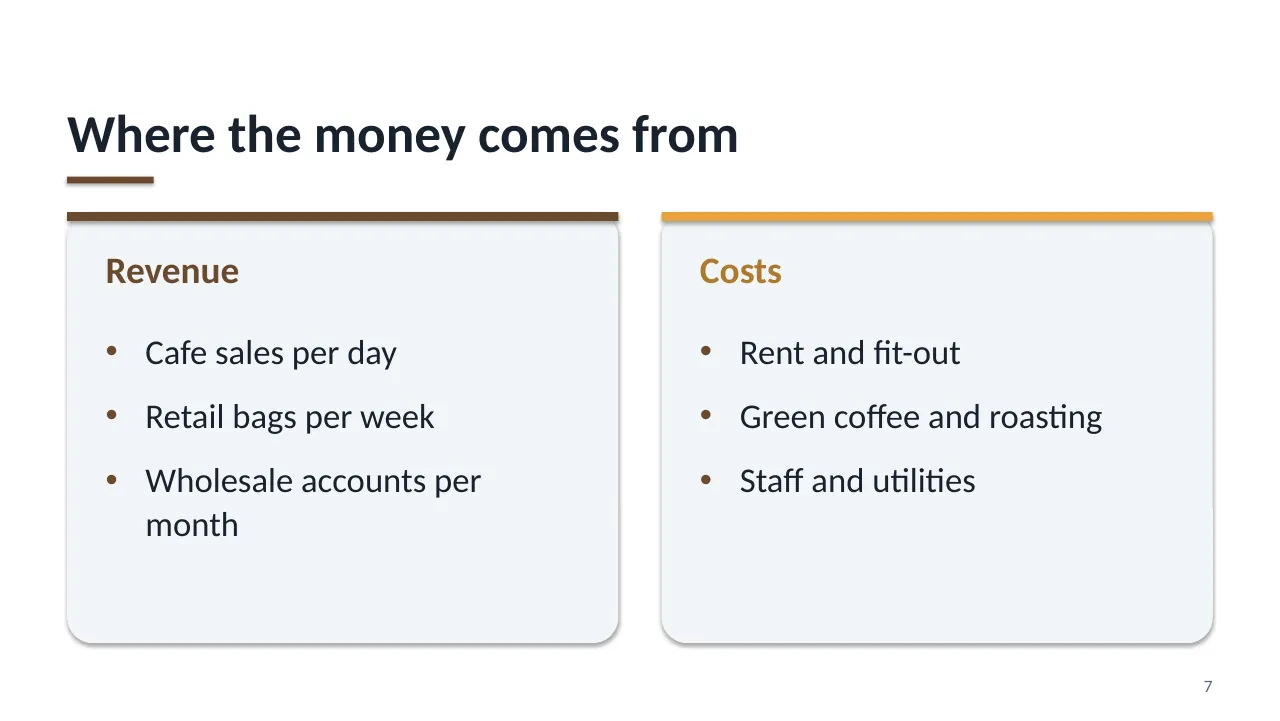
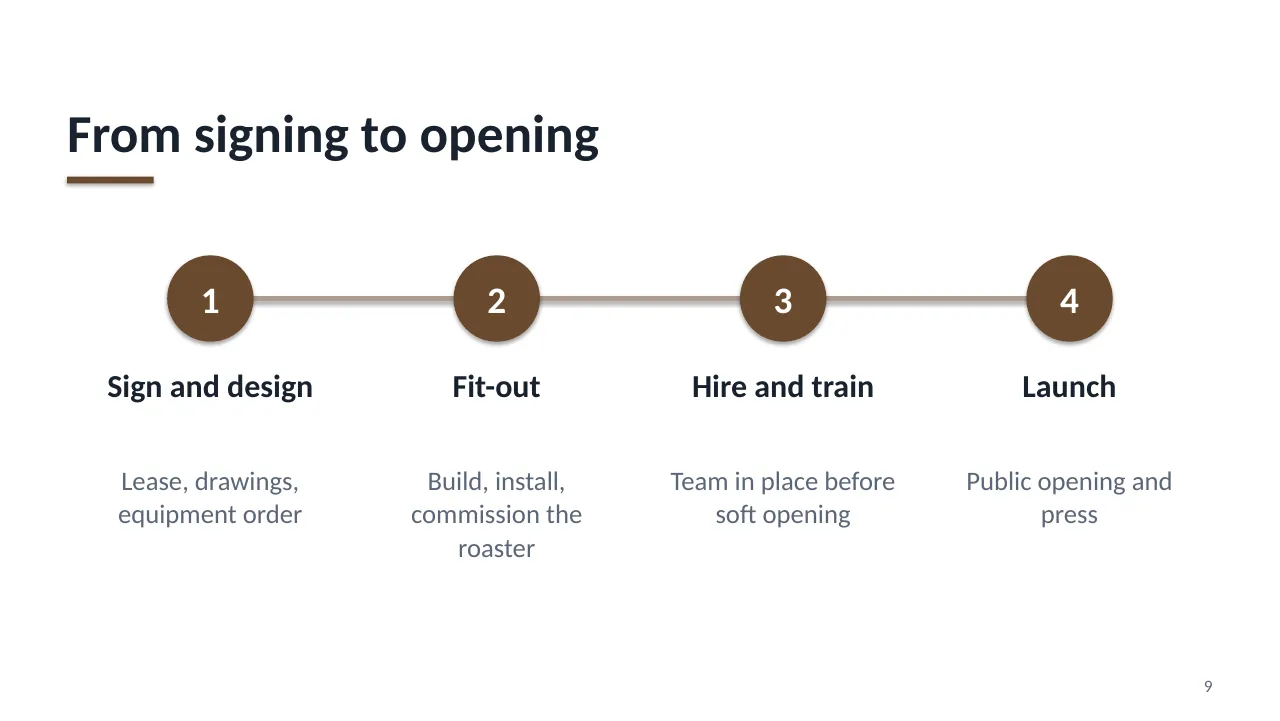
Asked for in one sentence: a pitch deck for a small coffee roastery opening a second branch in Riyadh. These are its slides, unedited, and the file itself is below them.
A real document RAPTIX made, not a mock-up

What you get
- A real .pptx file
- Open it in PowerPoint, Keynote or Google Slides and change anything, with a PDF copy to preview and send.
- English or Arabic
- In Arabic the slides run right to left, with the layout mirrored as it should be.
- Few words, full speaker notes
- Short points on the slide that read from the back of the room; what you say is written underneath in the notes.
- Pictures, figures and charts
- Pictures for the deck, slides for figures, comparisons and steps, and charts that stay editable in PowerPoint.
- Motion that looks professional
- Slides glide into each other (Morph in PowerPoint 2019 and 365), and each one builds itself: points one by one, figures popping in, the timeline running along its steps. Ask for “reveal each point on a click” to bring points in one click at a time with the last one dimmed, or for “no animations”.
- From a Word file or report
- Attach your report, Word file or PDF and ask for a deck, or upload an old deck and get a clearer new one.
- Edit from the chat
- Change the colours, or add, delete or move a slide with a word, like “delete slide 4”. Each change is a new version; the original is kept.
Limits you should know
- It designs with its own themes. It does not use your company template or slide master yet, and it does not edit an uploaded PowerPoint in place; it makes a new deck from it.
- Morph between slides needs PowerPoint 2019 or 365; Keynote, Google Slides and older PowerPoint show a gentle fade instead. No video or audio on slides.
- Without a number it makes 8 to 12 slides. The most is 40.
Questions
How do I make a PowerPoint with AI?
Write one line to your secretary: the subject, who it is for and how many slides. A PowerPoint file arrives in about two minutes, and you change it in words.
Can I try it for free?
Yes. You start free with no card, and make your first deck on the Free plan.
Can it turn a Word document into a PowerPoint?
Yes. Attach the Word file, PDF or a report it made for you and ask for “a 10-slide deck”. It takes the main ideas instead of pasting paragraphs onto slides.
Is the file editable in PowerPoint?
Yes. It is an ordinary .pptx: text, pictures and charts can all be edited.
What goes in the speaker notes?
What you will say on each slide, in full sentences, so the slide itself stays short.
Does the deck have animations and transitions?
Yes. Slides glide into each other and each slide brings in its points, figures and steps one after another, with no clicks needed. For a live talk ask for “reveal each point on a click”; for a still deck ask for “no animations”.
What kinds of decks does it make?
Pitch decks, board updates, research decks with sources, summaries of a book or report, and explainers of your service.
Other documents RAPTIX makes
Write the subject, and your secretary makes the deck
The subject, who it is for and how many slides. One line is enough.